Free for Windows 10 & 11
The barrier to AI just got lower.
Chat with Claude, ChatGPT, Gemini or Grok. It builds the app, site or tool you asked for, in a folder on your PC.
How Forge works
Friendly as a chat. Real tools underneath.
Click through the four everyday ways you work with an agent in Forge—no terminal memorization required.
Chat · Terminal
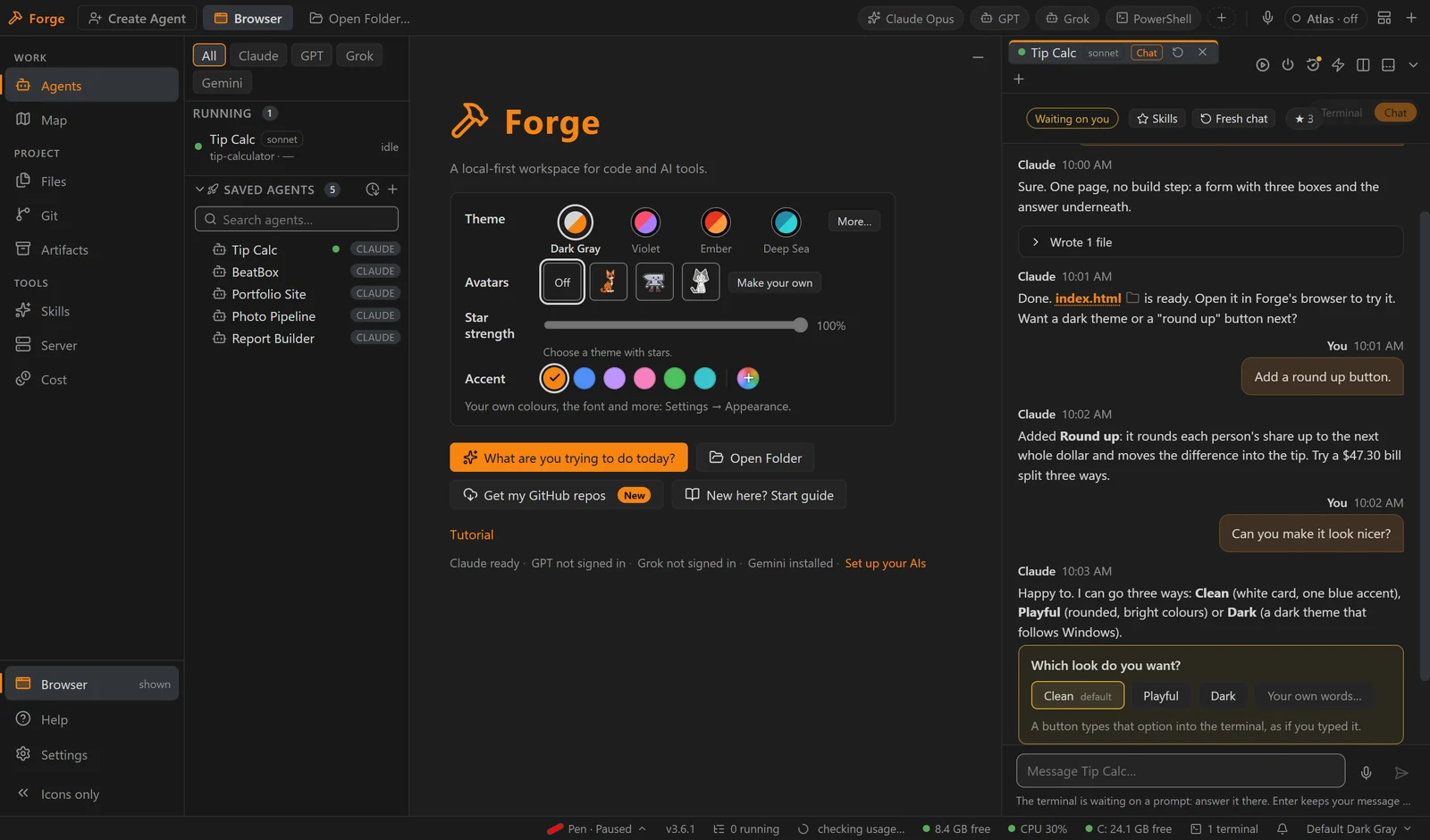
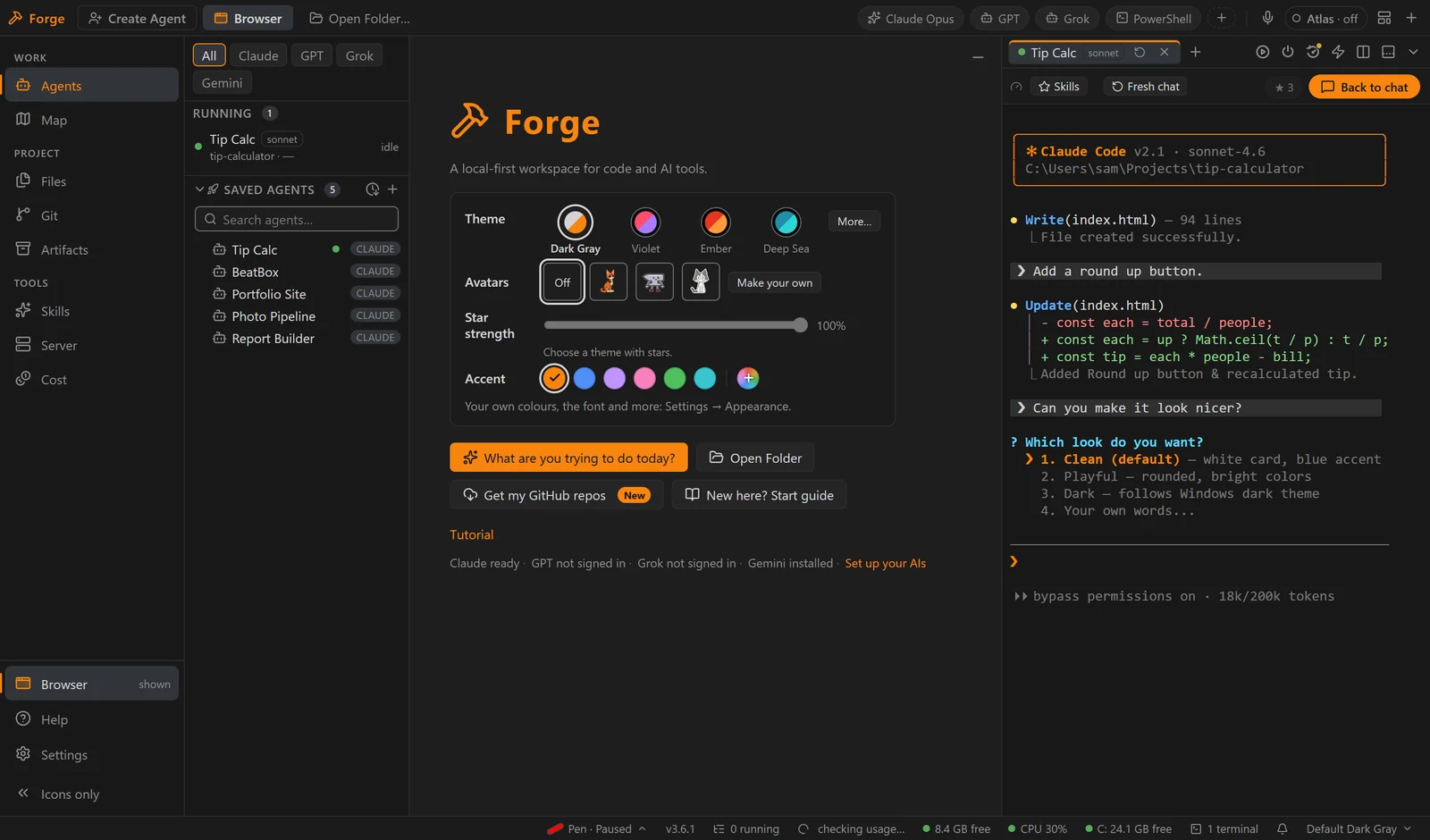
A real chat, not a terminal.
Its replies show up as messages, with a box to type in. When it asks you something or wants permission, you click a button to answer.
The real Windows terminal is still right underneath—flip between them any time and nothing restarts.
Voice
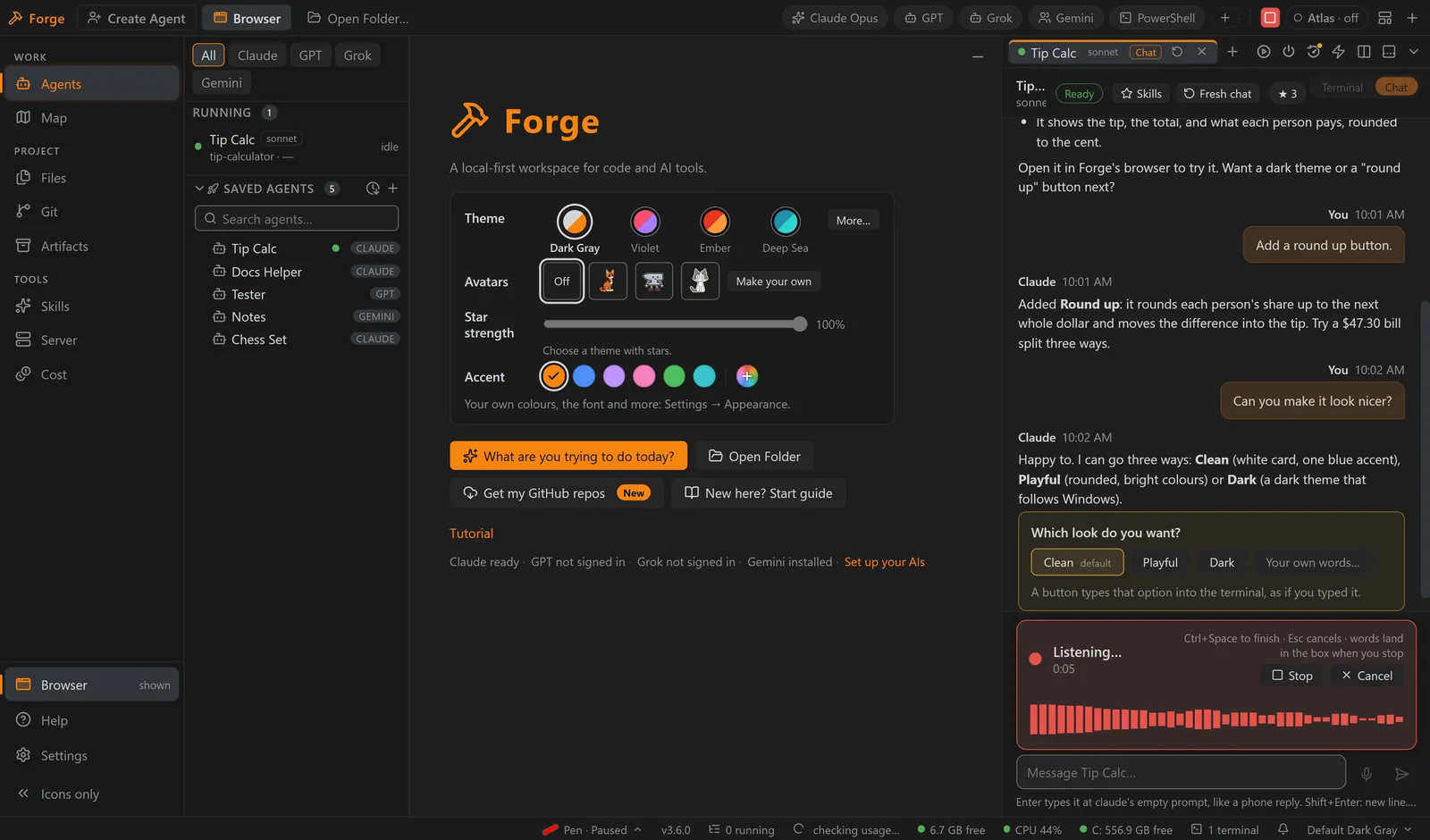
Talk to it.
Press Ctrl+Space and say what you want instead of typing it. Your words land in the chat box, ready to review and send.
Speech recognition runs locally on your PC, so nothing leaves your desk while you dictate.
And on your phone
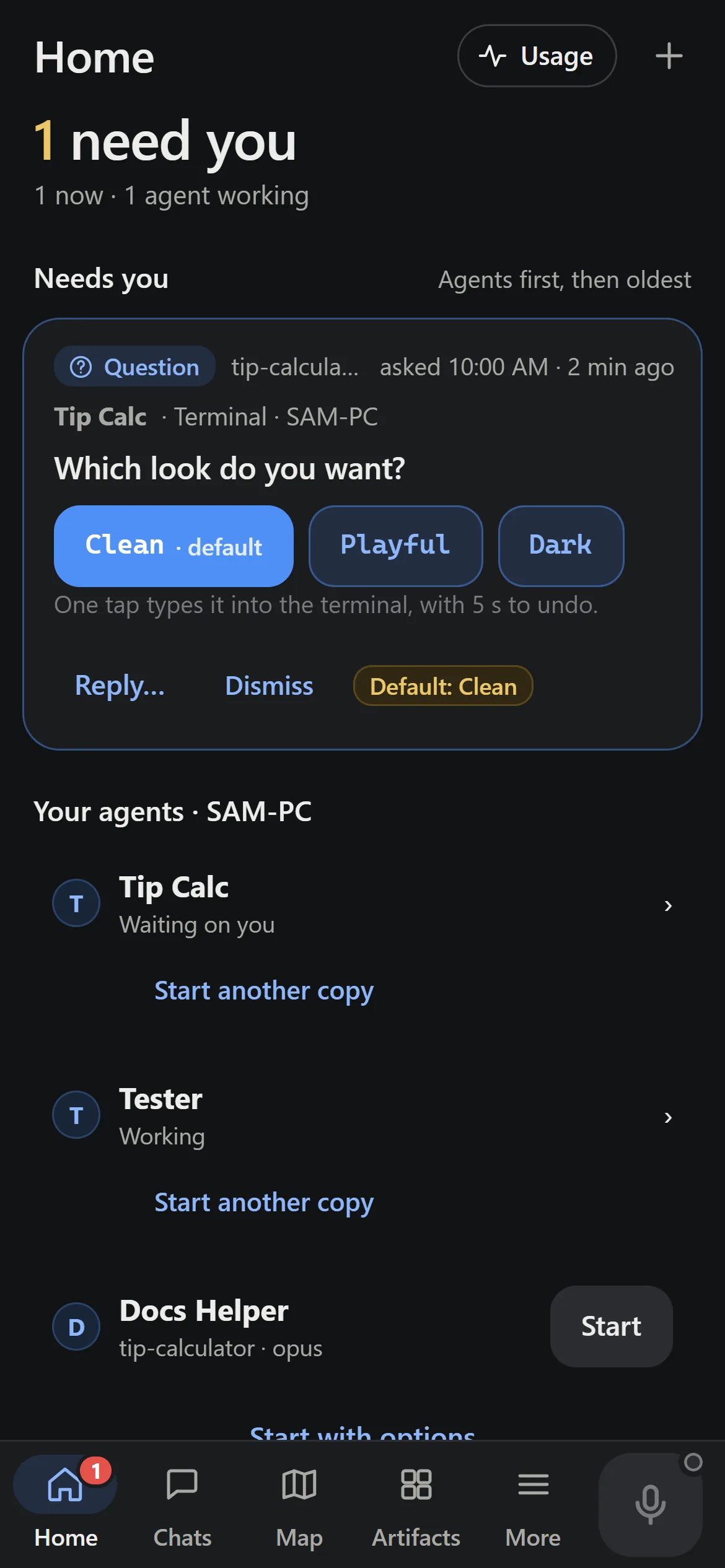
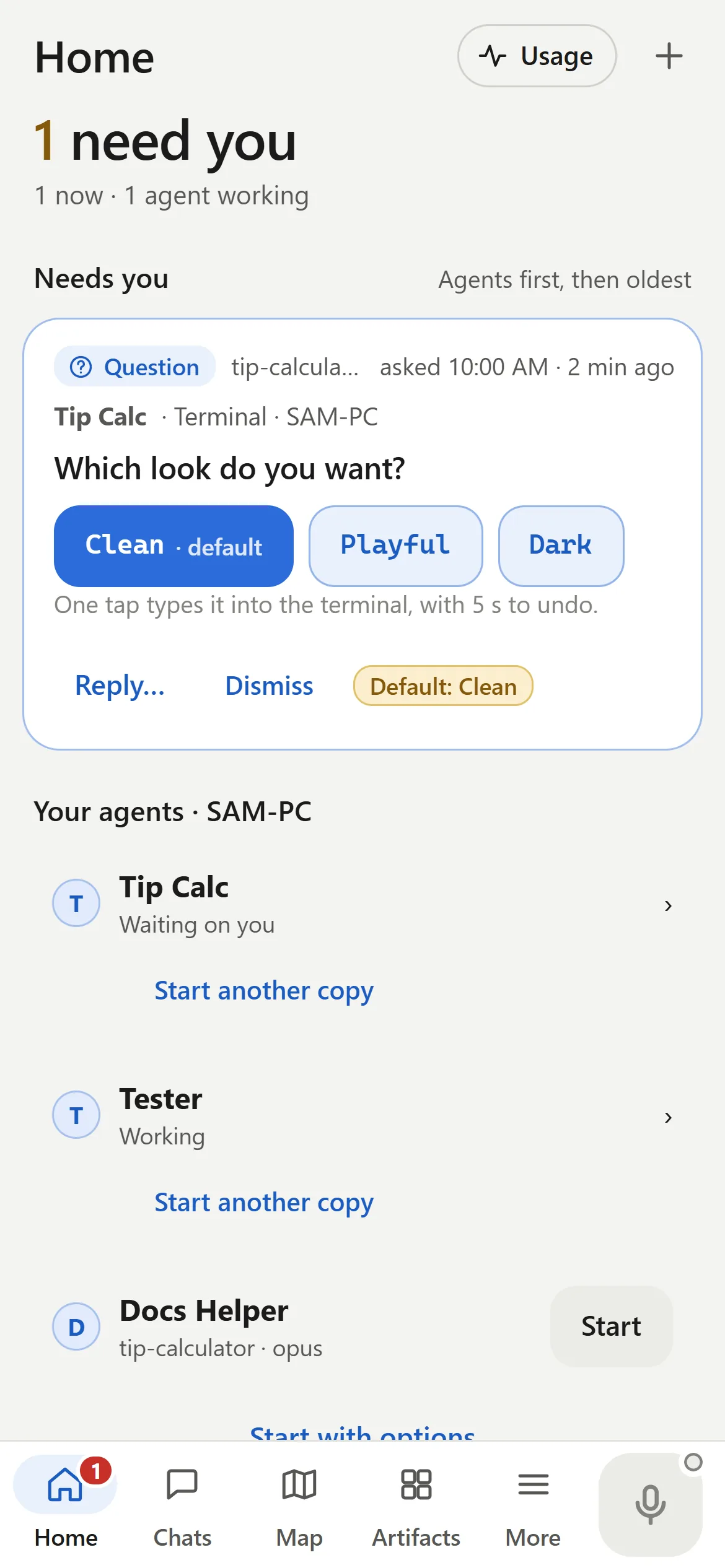
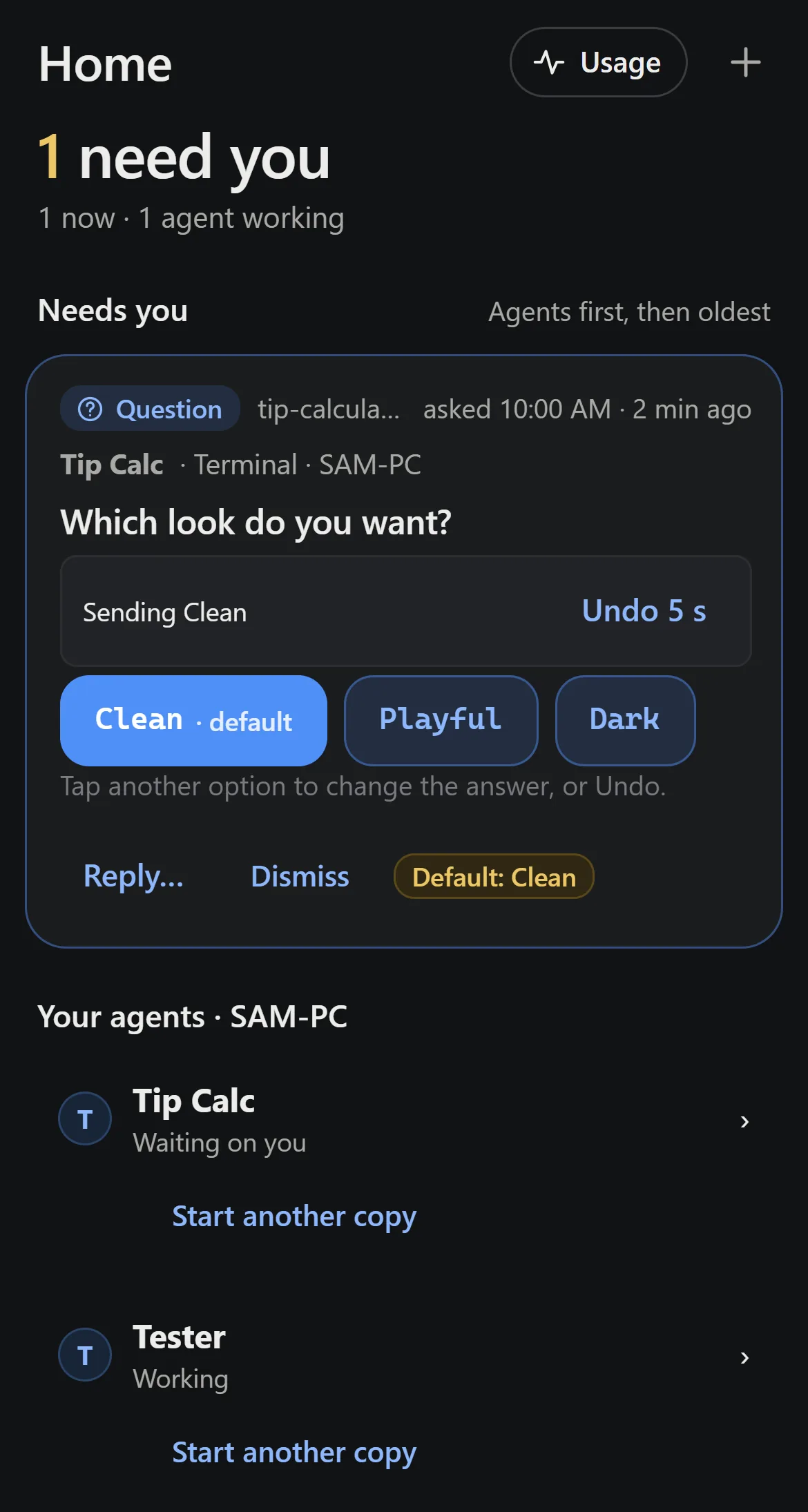
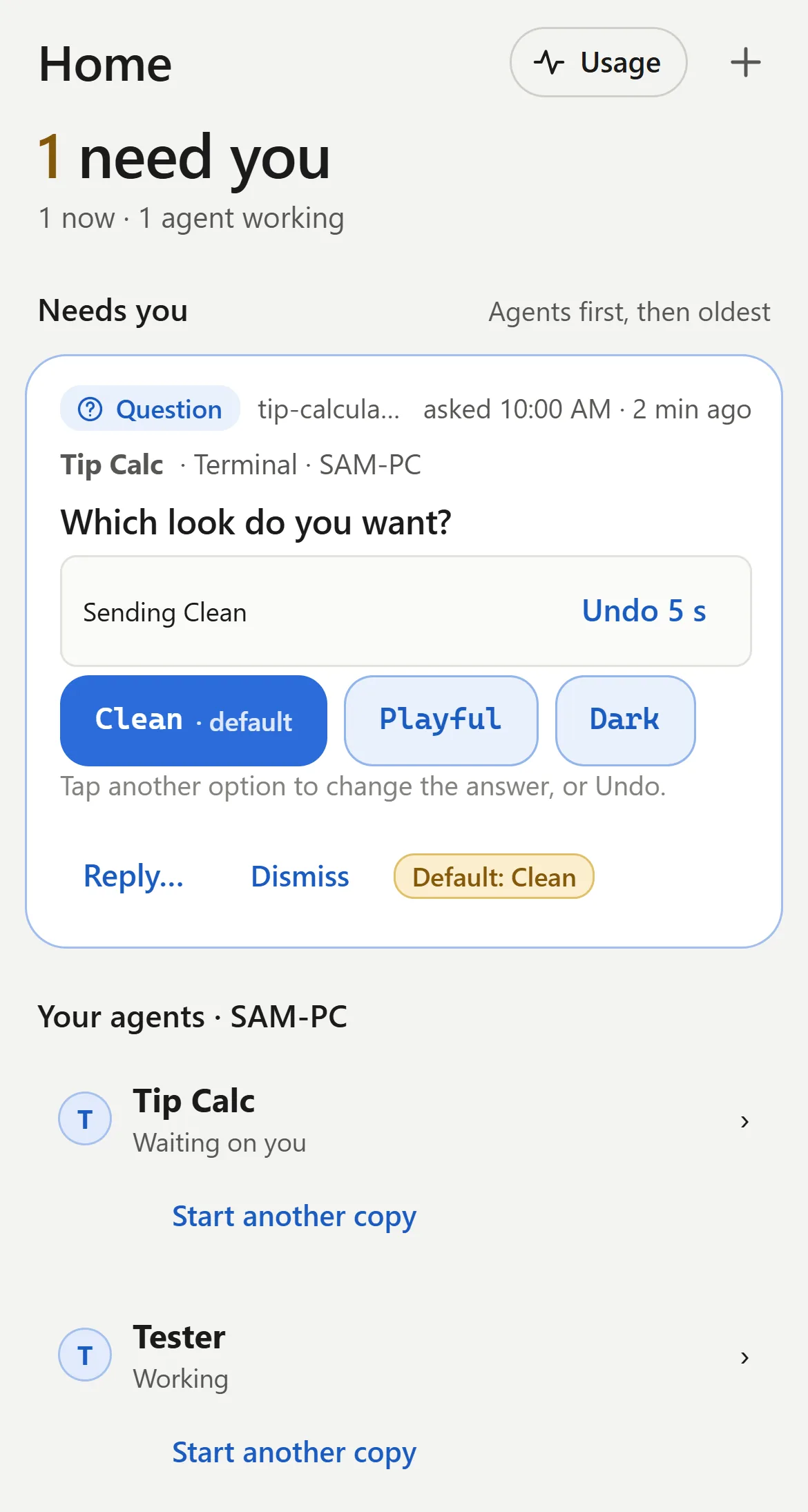
Answer from your phone.
Its questions show up on your phone too, with the same tap-to-answer buttons. Tap an answer and the work on your PC carries right on.
For now, connecting a phone needs an invite word from me.
Built-in browser
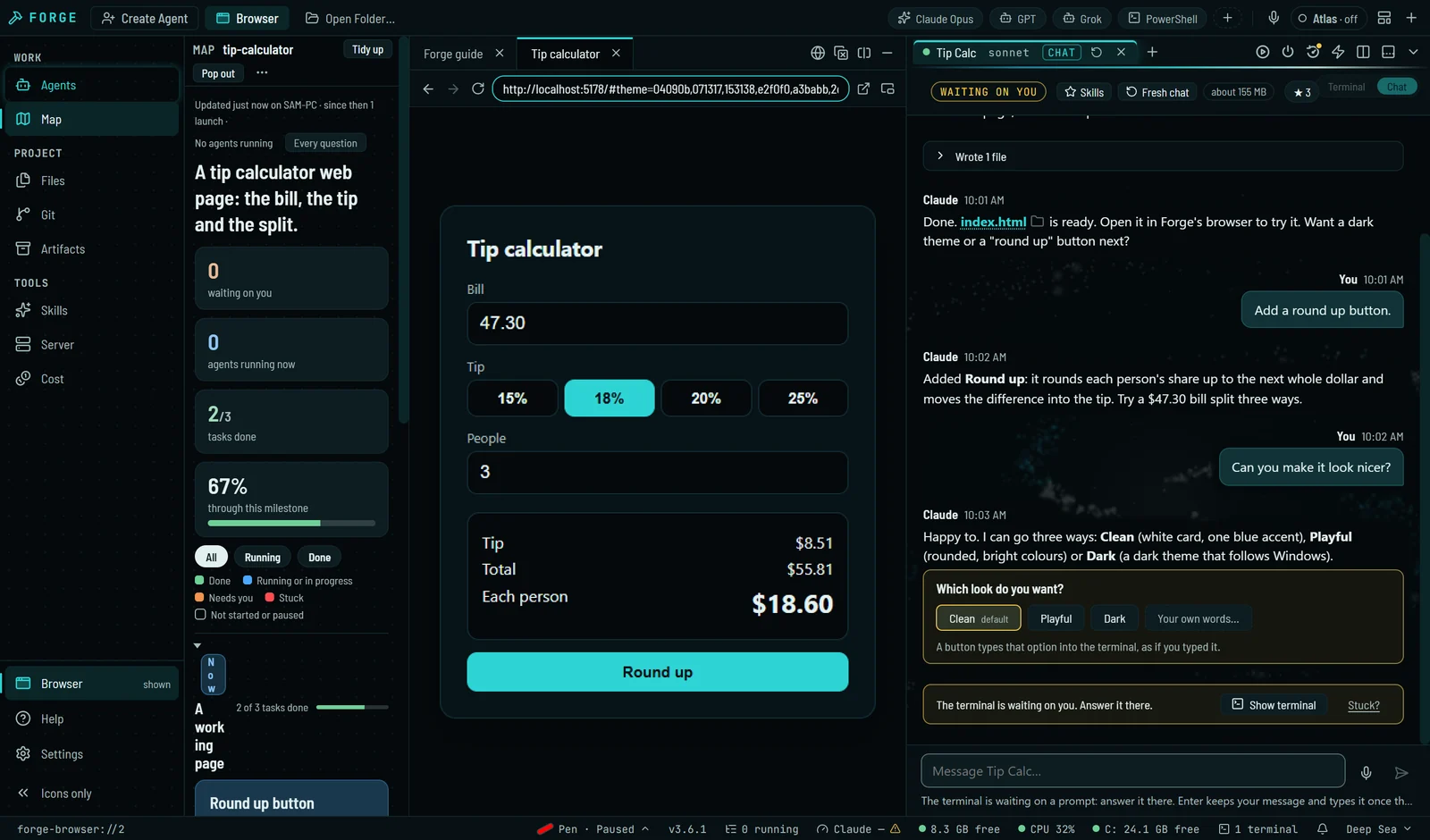
Try what it made, right there.
Pages and previews your agent builds open inside Forge right beside its chat. Test changes side by side without switching windows.
Applications
What you can make with it
Ask in plain words, and an agent writes the files into a folder on your PC. Click any example to see it inside Forge.
3D models to print
An .stl file opened in Forge's own viewer—drag to turn this one.

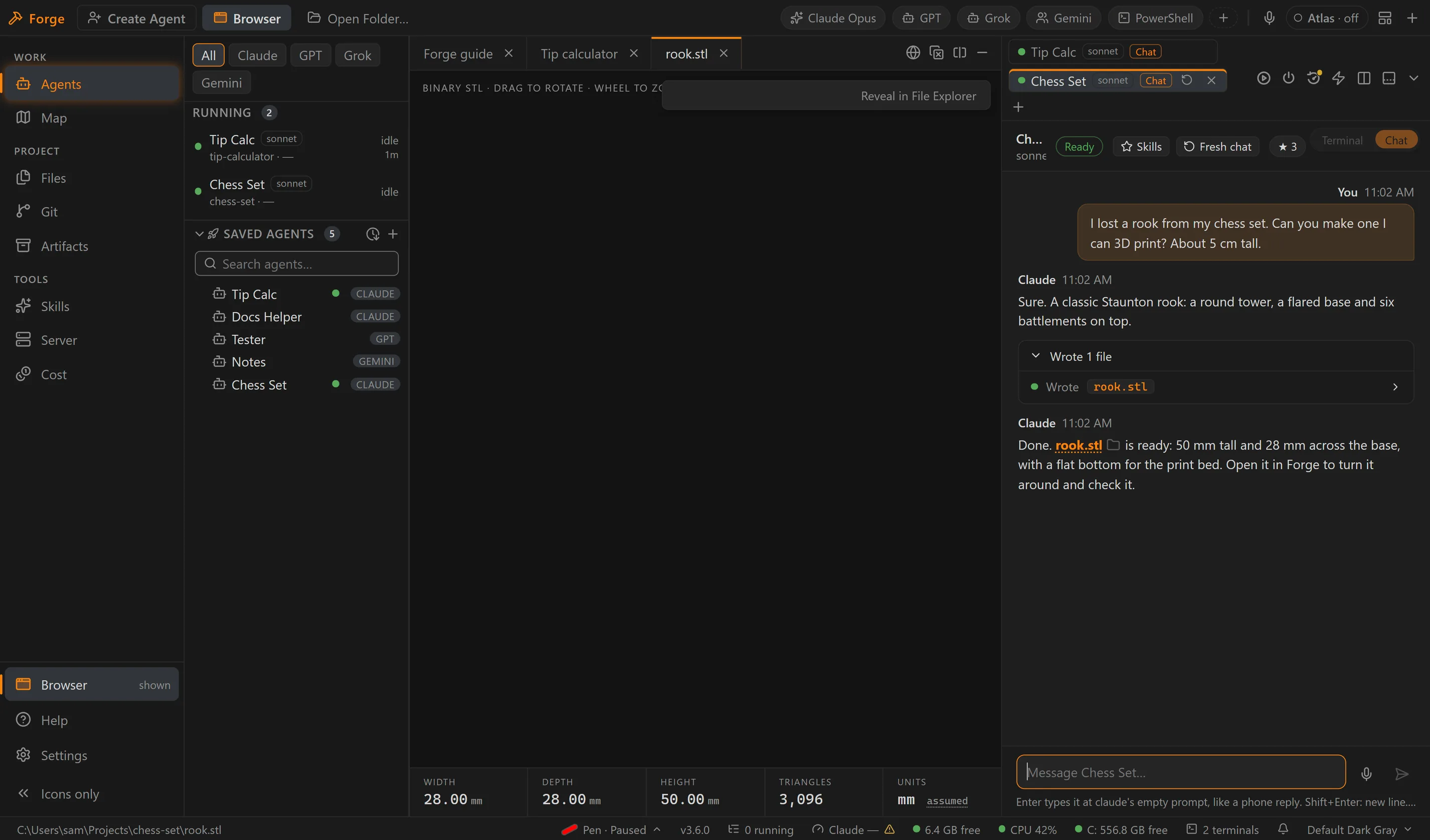

A still picture: this browser can't draw the live model.
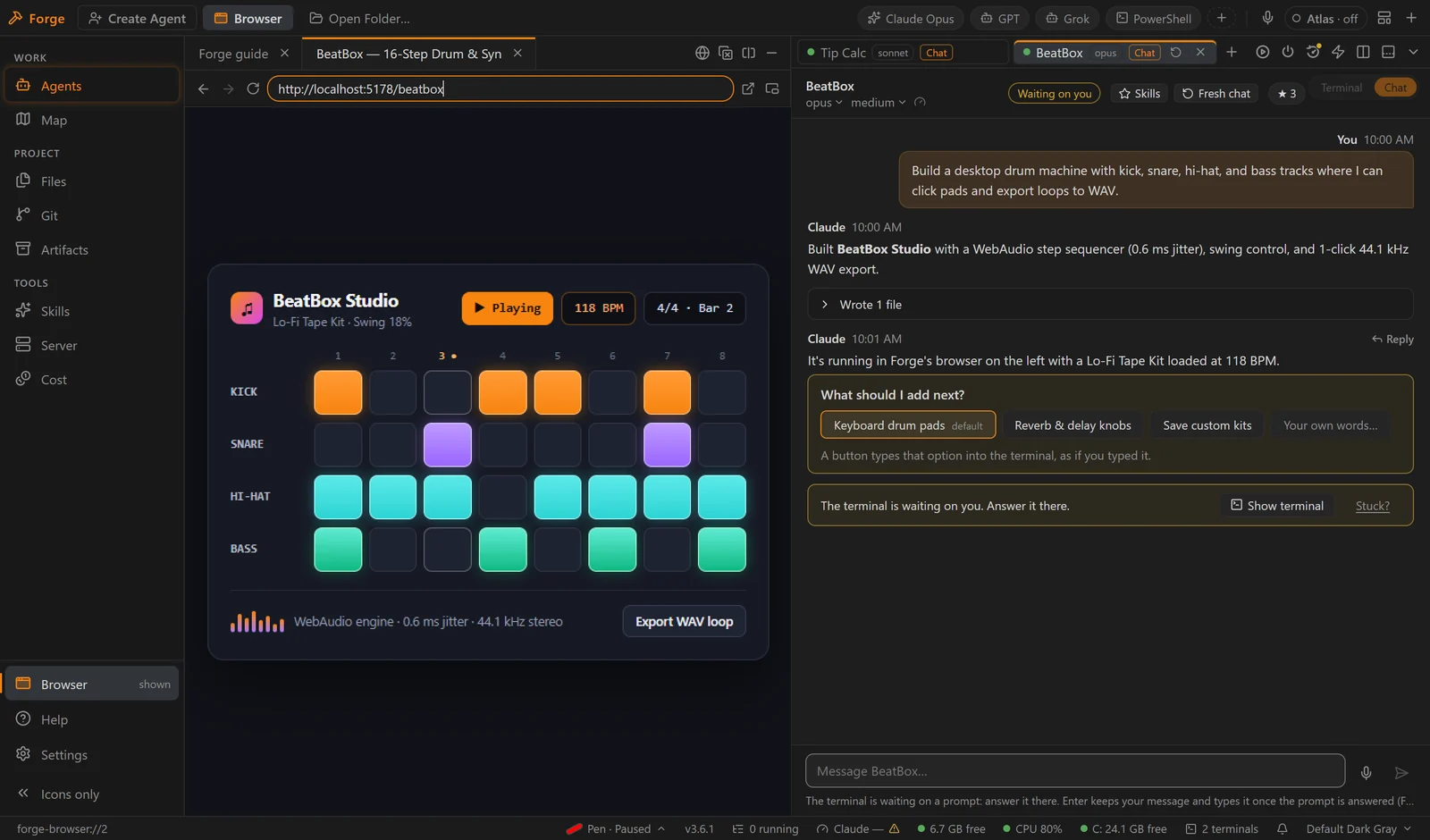
Software and apps
BeatBox Studio — an agent writes the code in your folder and runs it to try it.
Websites
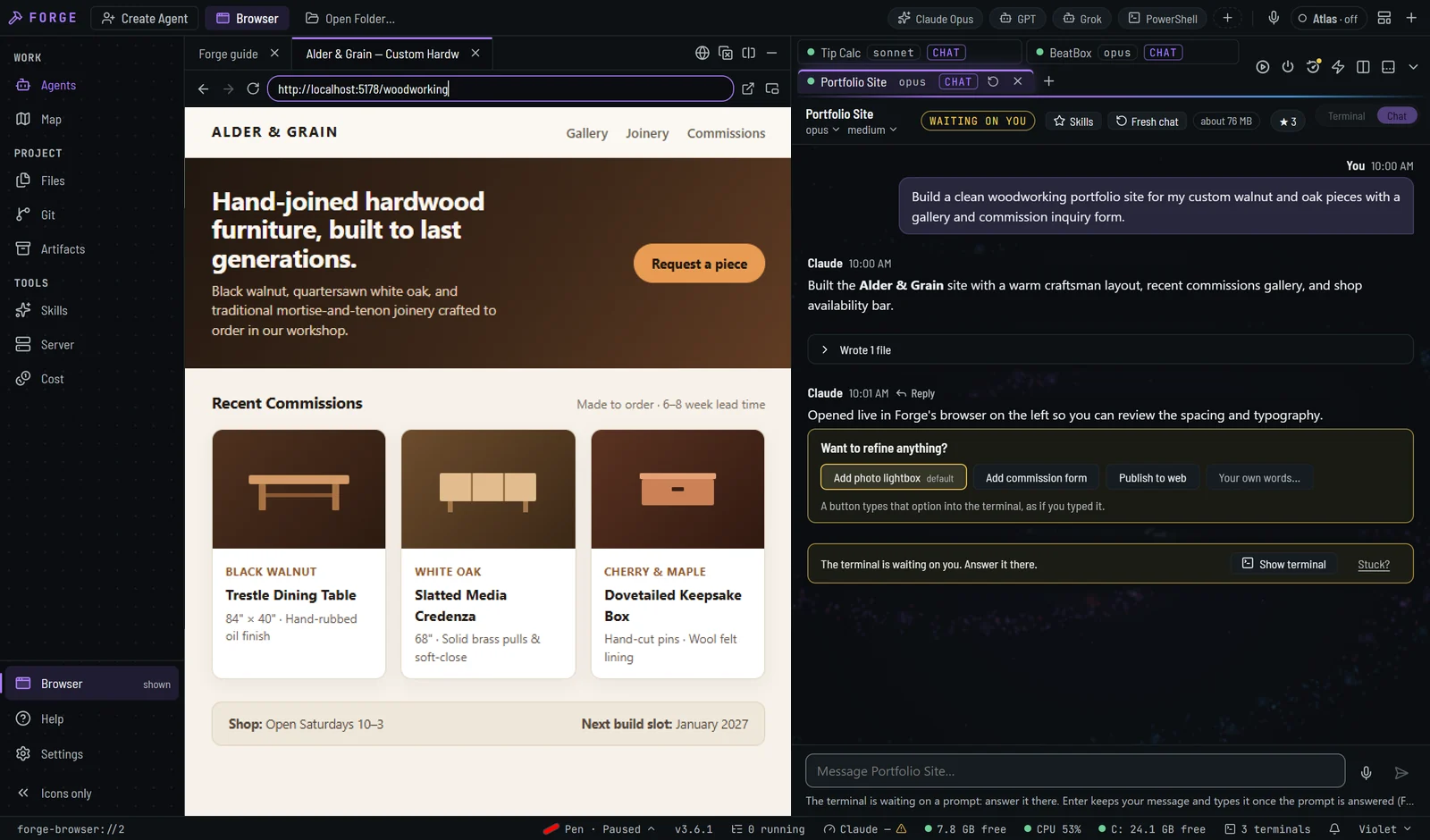
Alder & Grain woodworking portfolio — open live in Forge's browser while it builds.
Scripts and automations
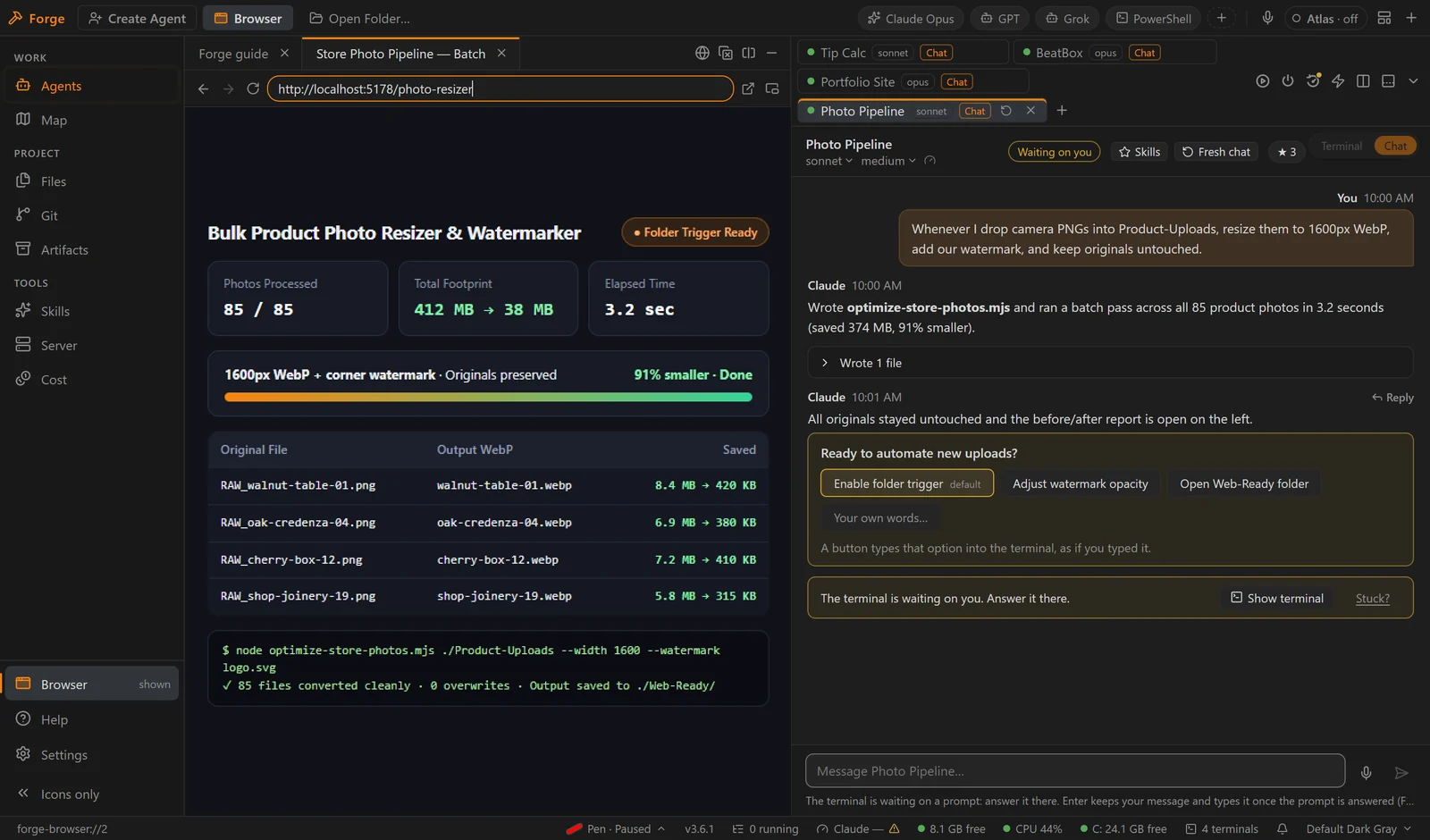
Bulk photo resizer & watermarker — 85 PNGs shrunk from 412 MB to 38 MB in 3.2 s.
Documents and spreadsheets
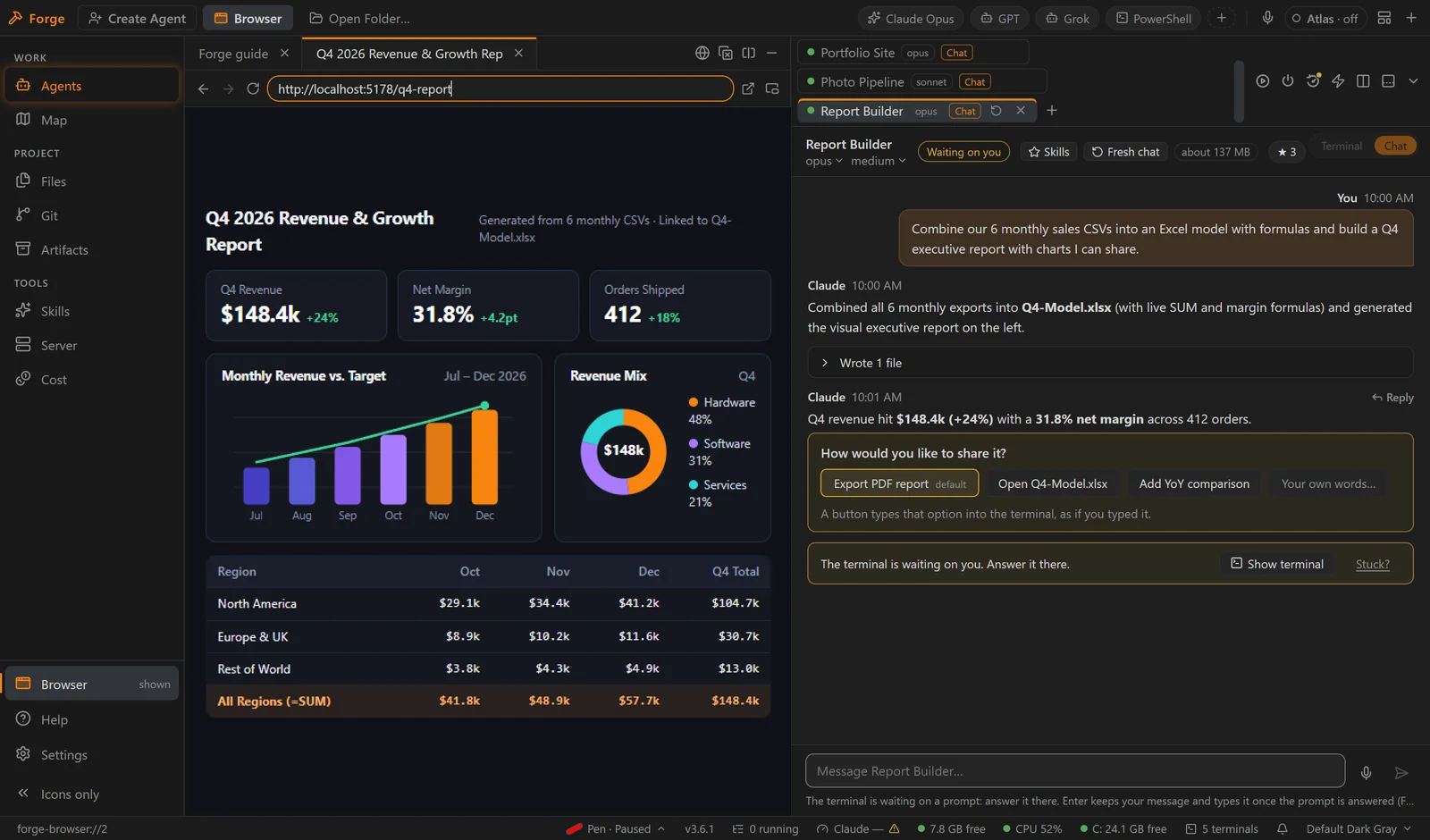
Q4 revenue report with charts, graphs, and a formula-driven Excel workbook.
For bigger projects
Deploy a full crew for larger projects.
When a project grows past one quick prompt, Forge already has the planning board, helper agents, triggers and Git tools built in.
Easily track your tasks and projects
Each task is a card with its status and how far along it is. See the Map →
A crew of agents
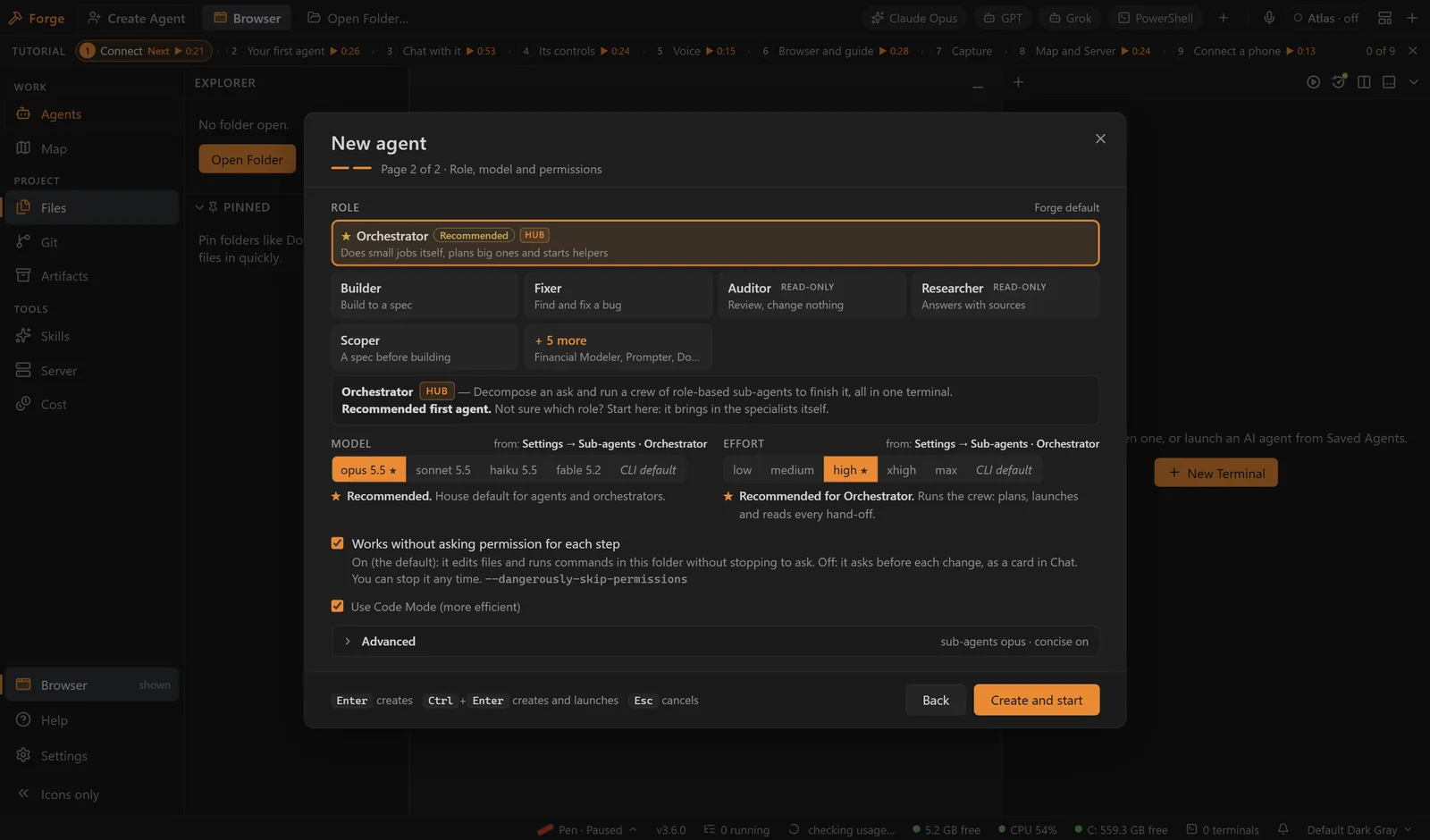
Make one agent the Orchestrator to plan work and start helper agents. See agent crews →

Download
Get Forge for Windows
One file. It installs with no admin password and keeps itself up to date.
Download Forge-Setup.exe- No admin password: it installs for your Windows user only.
- Updates arrive by themselves. When one is ready, a small window says what's in it and asks; nothing restarts until you say so. What's new in each version
- Remove it like any app, from Settings → Apps.
- Stuck, or something broke? Reply to the message that sent you here and I'll help.
Windows will warn you the first time, because Forge isn't code-signed yet. Click More info, then Run anyway.
See the warning, step by step